Brainrot Card Battles How to Redeem Codes
Shop → Enter Code → Redeem—the exact in-game path for every Flyingane Fam promo string.
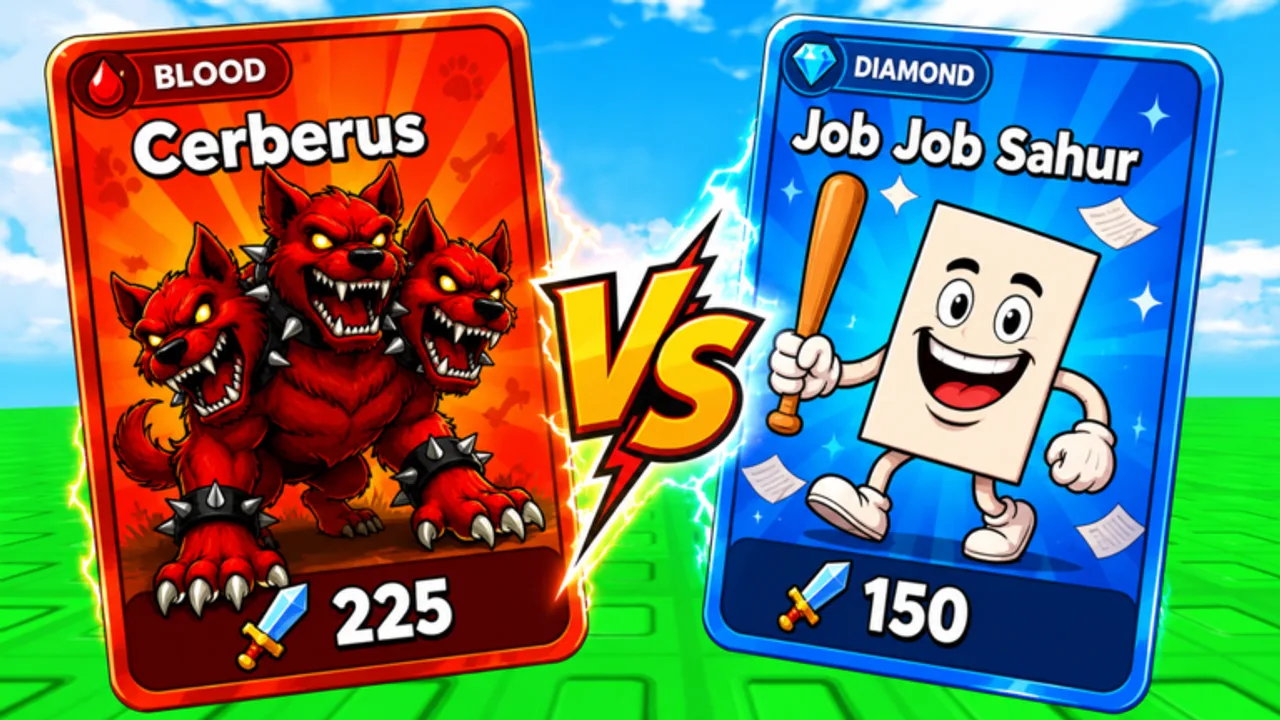
Redeeming promo codes in Brainrot Card Battles takes less than a minute once you know the menu path. Every official string from Flyingane Fam uses the same UI, whether the reward is rolls, luck, tower keys, or guild raid consumables.
Step-by-step redemption
- Launch Brainrot Card Battles on Roblox and wait until your avatar loads in the hub.
- Look at the left side of the screen for the Shop button and open it.
- Select Enter Code (sometimes labeled similarly in patch notes).
- Type the promo string exactly as published — codes like ITALIANBRAINROT and 2XLUCKWEEKEND use capitals for a reason.
- Press Redeem and confirm the reward popup.
- Check your inventory, roll counter, or boost bar depending on the gift.
That path — Shop → Enter Code → Redeem — matches how other Flyingane Fam milestones were claimed during the 9 February 2026 launch window and subsequent UPDATE, UPDATE2, and UPDATE3 cycles.
Before you paste a code
- Redeem on the main account you use for worlds and tower progress.
- Close extra spaces from mobile clipboard paste.
- If you are on a laggy device, reopen Shop after the reward screen freezes once.
- Redeem milestone codes (15KLIKES, 31KLIKES, 3KPLAYERS) even on alt accounts you plan to keep; they rarely return.
Troubleshooting failed redemption
Invalid code usually means expiry or a typo. Compare against Active Codes and retry after retyping. If the string matches but still fails, the code likely retired — see Expired Codes.
Already redeemed means that account claimed it. Codes are one-time per profile. Switching servers will not reset redemption.
Nothing appeared can happen when UI lags. Reopen Shop, check roll totals, evolution mats, or boost timers. Some gifts are time-limited boosts rather than items in a bag.
Wrong place — codes are not entered in Roblox settings or the generic Roblox promo page for this game. Stay inside Brainrot Card Battles Shop menu.
Mobile vs PC
Mobile players should use landscape if buttons overlap. PC players can redeem between battles without losing queue position in auto-battle. Either platform uses the same left-side Shop layout in current builds.
Security
Never share your password with “code bot” websites. Only use strings listed on this wiki or official announcements. Scammers mimic milestone names like WEREBACK and REVVIVAL with one-letter typos.
What to do after redeeming
Stack luck codes before a rolling session outlined in How to Play. Spend tower keys only when you have time for a full Tower Climb run. Guild consumables matter most when your alliance schedules Guild Raids.
Video walkthrough
Watch the embedded video above for a visual pass through Shop and Enter Code. Pause on each button label if your UI language differs.
Keeping a personal code log
Maintain a simple note: code name, date redeemed, reward type. When QOL or GUILDFIX style compensation drops, you will know whether your account already claimed the matching apology code from an earlier delay (DELAY, DELAY1, SECONDDELAY).
Parent account and age settings
If Roblox privacy settings block chat, redemption still works because codes use the in-experience Shop UI. Younger accounts with spending limits may still redeem free promo strings; they only affect Robux purchases, not developer codes. Parent accounts should redeem on the child profile that actually plays Brainrot Card Battles so rolls and luck land on the progressing save.
Batch redemption routine
Open Active Codes on a second screen. Redeem alphabetically or by priority list to avoid skipping rows. After every five codes, reopen inventory to confirm boosts applied. This habit catches silent UI failures common on low-end mobile devices during busy launch nights when MEGAROLLS and 31KLIKES dropped back-to-back.
Linking redemption to progression
Once rewards appear, immediately spend roll currency in the highest unlocked world rather than the hub idle zone. Attach TOWER keys to a scheduled Tower Climb block the same day. Guild consumables from GUILD or RAIDBOSS should sync with officer calendars described in Guild Raids so nothing expires unused in your bag during a war blackout period.
Streamer and clip verification
If you follow a livestream code drop, pause the clip on each character before redeeming—creators sometimes misread similar strings (REVVIVAL vs REVIVAL). Cross-check our table before spending limited redeem attempts on a hype typo.
Frequently Asked Questions
Quick answers about Brainrot Card Battles and this wiki.
What is the exact redeem menu path?
Shop on the left side, Enter Code, type the promo string, then Redeem.
Can I redeem on mobile?
Yes. The same Shop menu appears on mobile; use landscape if buttons overlap.
Why does Roblox say invalid code?
Typo, expiry, or already redeemed. Compare with Active Codes and retype carefully.
Do codes work in private servers?
Yes, redemption is account-based and works in public or private servers.
Is there a video showing redemption?
Yes. This page embeds a walkthrough video for the Shop and Enter Code flow.