Brainrot Card Battles How to Use Roblox Scripts
Executor basics, safety checks, and what breaks after Brainrot Card Battles updates.
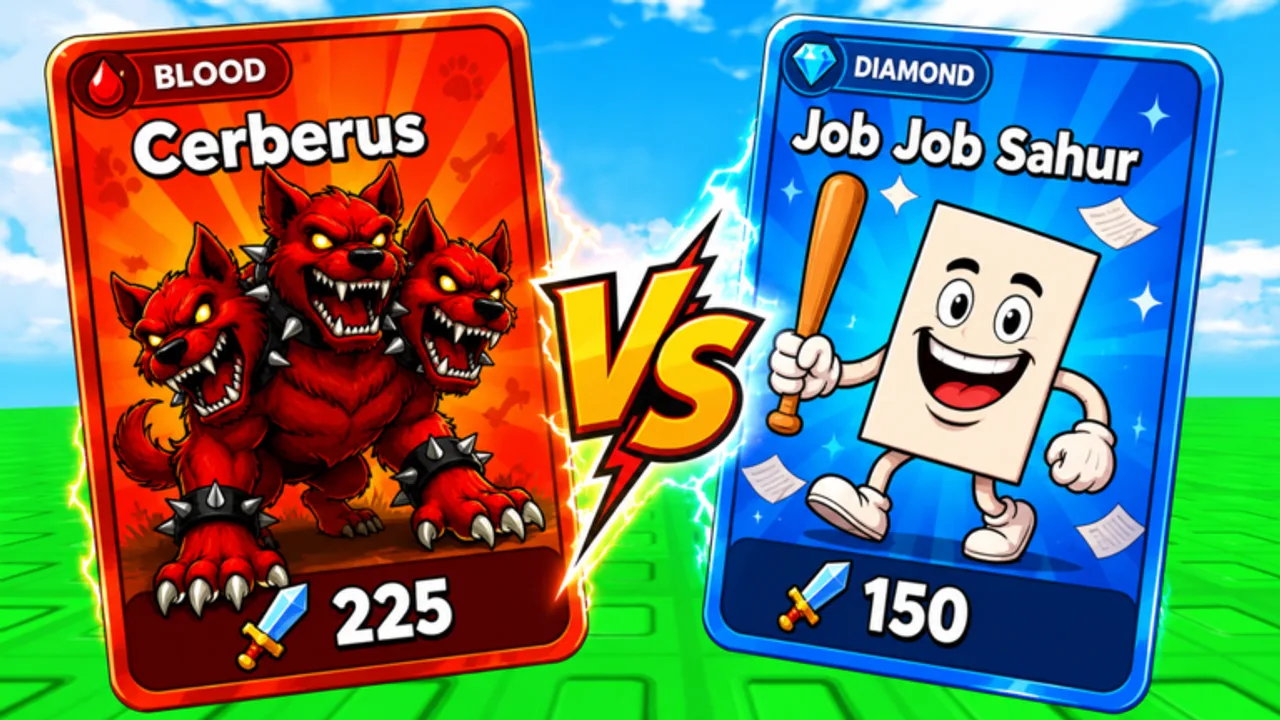
This guide explains how Roblox executors and pasted scripts work in general terms. It is written for Brainrot Card Battles players who hear about auto-roll or auto-battle tools and want to understand the process before risking an account. We do not link to script marketplaces, key systems, or download mirrors. For verified listings specific to this game, see Working Scripts—currently empty—and the safety overview on the Scripts Hub.
What an executor does
An executor is a desktop program that attaches to the Roblox client, loads a custom Lua environment, and runs user-supplied code alongside the game. Legitimate Roblox Studio scripts cannot do what exploit scripts do: fire remotes with spoofed arguments, read hidden player data, or automate clicks faster than human limits.
Typical workflow on PC:
- Launch the executor as administrator (many do this to hook the client—another red flag for malware).
- Open Roblox and join Brainrot Card Battles from the official experience page linked on Official Links.
- Wait for the executor to show “attached” or “injected” status.
- Paste a script into the executor tab or load a
.txtfile from your clipboard. - Press the executor’s run button (often labeled Execute or Run).
- Watch the in-game console or on-screen overlay for errors.
Mobile executors exist but are even less trustworthy; iOS cannot sideload them without jailbreak, and Android APKs frequently bundle spyware.
Loadstrings and why they change overnight
Many scripts begin with loadstring(game:HttpGet("..."))(). That downloads fresh code every run. Authors use it to push updates quickly, but attackers use the same line to swap a harmless auto-roll into a cookie logger after you share the video tutorial.
Before running any loadstring:
- Read the full source if it is not obfuscated. Reject anything touching
getfenv,HttpServiceto unknown domains, orwritefilein Roblox folders. - Compare the URL domain to the creator you trust; typosquatting is common.
- Assume obfuscated scripts are malicious until proven otherwise on a blank account.
We do not host loadstrings on this wiki. When Working Scripts lists an entry in the future, it will still tell you to read the code yourself.
Features Brainrot Card Battles players chase
Understanding intent helps you debug without falling for scams.
Auto-roll scripts loop the roll UI, optionally consuming luck potions from your inventory. They must respect server cooldowns; scripts that fire remotes as fast as possible often kick you or flag the account.
Auto-battle scripts attempt to clear worlds or Tower floors while you are AFK. Official game passes already automate some combat; external scripts duplicate that poorly and trigger anti-AFK checks.
Auto-claim scripts watch for daily reward popups or guild payout buttons. These are lower impact but still violate Terms of Use.
None of these replace learning mechanics covered in Getting Started and the Tier List. A bad roll script burns potions on Commons while you sleep.
Safer alternatives on this wiki
Stay inside Roblox rules with tools we built for collectors:
- Codes Copy Tool — copy active promo strings without leaving the page.
- Deck Checklist — mark fusion targets and world drops you still need.
- Codes hub — manually redeem free luck and currencies after each update.
These widgets load in your browser, not inside Roblox, so they cannot hook remotes or steal sessions.
If you still test on a throwaway account
Use a PC virtual machine or a spare Windows user profile. Never reuse passwords from your main Roblox login. Disable browser password autofill while testing. After closing the executor, restart Roblox completely so hooks detach.
When Brainrot Card Battles updates, expect scripts to print errors about missing instances (RollButton, WorldSelect, etc.). That is normal. Do not download “patch fixes” from random DMs; wait for Working Scripts retests or play legitimately using Updates notes.
Uninstall and recovery steps
- Close Roblox and the executor.
- Delete the executor folder and clear
%localappdata%temp files if the program dropped DLLs. - Run a malware scan; many free executors bundle trojans.
- Rotate your Roblox password if you logged in anywhere near the test session.
- Log out all sessions from Roblox security settings.
If inventory disappears, contact Roblox support; the wiki cannot restore items.
Policy reminder
Roblox Terms of Use prohibit unauthorized client modification. Flyingane Fam and Roblox can ban accounts without warning. This page is educational; we are not encouraging exploit use. Prefer guild progression, manual Tower pushes, and documented codes over automation.
Return to the Scripts Hub for verification standards, or join community discussion through Official Links without sharing paste URLs in public chat.
Frequently Asked Questions
Quick answers about Brainrot Card Battles and this wiki.
Which executor should I download?
We do not recommend specific executors. Any download carries malware and ban risk. Use official in-game tools and wiki utilities instead.
Why did my script stop after an update?
Developers rename UI objects and remotes when adding worlds or Tower floors. Scripts hard-coded to old paths fail until authors rewrite them—if they ever do.
Can I use scripts on mobile Roblox?
Most mobile "executors" are scams. Play manually or use a PC for Roblox; do not sideload unknown APKs.
Does this wiki provide scripts on Discord?
No. Our Discord link on [Official Links](/links/) is for community chat. Moderators will not DM you loadstrings.